


使用python安装superset5
环境:
服务器:Ubuntu 22.04.5 LTS
python:3.11.9
superset:5.0.0
操作系统依
Superset 在其元数据数据库中存储数据库连接信息。为此,我们使用 cryptography Python 库来加密连接密码,此库需要操作系统级别的依赖项。
Ubuntu 22.04的环境依赖使用下面命令安装:
sudo apt-get install build-essential libssl-dev libffi-dev python3-dev python3-pip libsasl2-dev libldap2-dev default-libmysqlclient-devpython虚拟环境
1、为superset创建一个虚拟环境,避免superset的模块与其他软件的版本冲突。命令如下:
#创建虚拟环境
conda create -n py_superset5v2 python=3.11.9
#激活虚拟环境
conda activate py_superset5v22、还要确保拥有最新版本的 pip 和 setuptools
pip install --upgrade setuptools pip安装和初始化 Superset
1、安装 apache_superset
目前最新稳定版本是:apache-superset5.0.0
pip install apache-superset==5.0.0 -i https://pypi.tuna.tsinghua.edu.cn/simple
pip install mysqlclient

# marshmallow4.1.0与Superset 5.x 不兼容
pip uninstall -y marshmallow
pip install marshmallow==3.26.1
2、配置superset使用mysql
superset的默认配置文件在虚拟环境的site-packages下,可以使用如下命令查找默认配置文件:
python -c "import superset; print(superset.__file__.replace('__init__.py', 'config.py'))"配置文件:/home/ubuntu/.conda/envs/py_superset5.0.0/lib/python3.11/site-packages/superset/config.py
直接修改默认配置文件可能会在升级 Superset 时被覆盖,推荐创建一个自定义配置文件(例如 superset_config.py),具体步骤如下
1)创建superset_config.py配置文件
touch /home/hive/apps/sp/superset_config.py2)在superset_config.py中添加mysql链接
创建myql库和用户密码:
CREATE DATABASE superset5;
CREATE USER 'superset5'@'%' IDENTIFIED BY '123456';
GRANT ALL PRIVILEGES ON superset5.* TO 'superset5'@'%';
FLUSH PRIVILEGES;
vim superset_config.py
SQLALCHEMY_DATABASE_URI = 'mysql://superset5:123456@localhost:3306/superset5'
SECRET_KEY = 'f1074fb6615818abe530138'  # 生产环境必须设置
3)配置环境变量
superset启动时会从系统环境变量SUPERSET_CONFIG_PATH中读取自定义配置文件,命令如下:
vim ~/.bashrc
export SUPERSET_CONFIG_PATH=/home/hive/apps/sp/superset_config.py
# Superset 基于 Flask 框架,需要指定 Flask 应用入口
export FLASK_APP=superset
使用source ~/.bashrc命令使配置生效。
3、初始化 Superset
第一步:初始化数据库
# 安装 MySQL 适配器
sudo apt update
sudo apt install libmysqlclient-dev pkg-config
pip install mysqlclient

# 初始化mysql数据库
superset db upgrade
第二步:创建管理员用户(按照提示设置用户名、密码、邮箱等)
superset fab create-admin第三步:# 加载示例数据(可选)
superset load_examples第四步:初始化角色和权限
superset init4、启动 Superset 服务
# 开发模式启动(仅用于测试)
superset run -h 0.0.0.0 -p 8888 --with-threads --reload

# 生产环境建议使用 Gunicorn 等 WSGI 服务器
# 如果没有安装gunicorn可以使用这个命令安装:pip install gunicorn
nohup gunicorn --workers 2 --bind 0.0.0.0:8888 "superset.app:create_app()" &
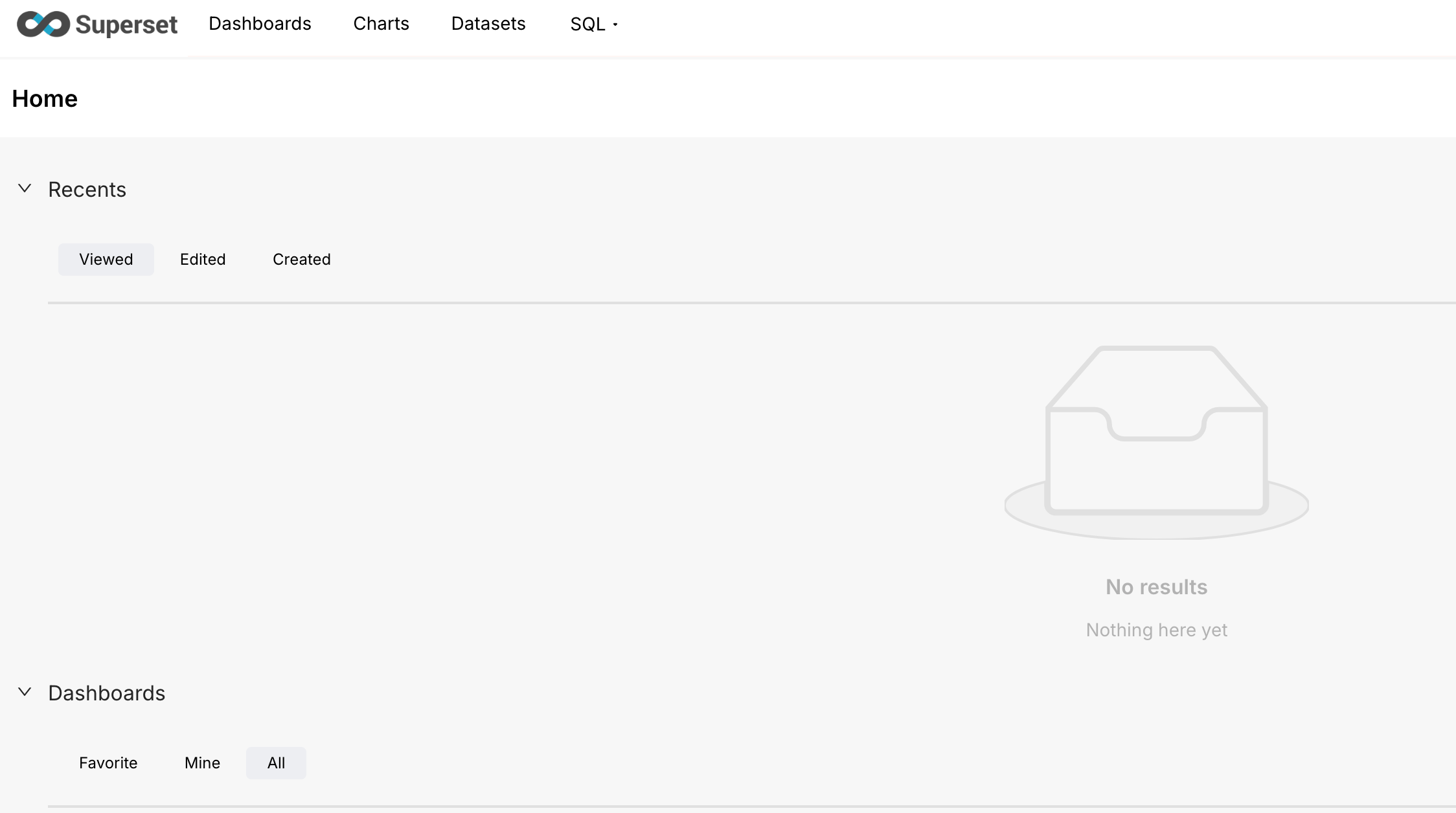
访问:http://localhost:8888/
开机自启动:
sudo vim /etc/systemd/system/superset.service
内容如下:

[Unit]
Description=Apache superset Service
After=networkd-dispatcher.service mysql.service

[Service]
Type=simple
User=hive
Environment=PATH=/home/hive/anaconda3/envs/py_superset5v2/bin:/home/hive/anaconda3/bin:/usr/local/sbin:/usr/local/bin:/usr/sbin:/usr/bin:/sbin:/bin
Environment=FLASK_APP=superset
Environment=SUPERSET_CONFIG_PATH=/home/hive/apps/sp/superset_config.py
ExecStart=/bin/bash -c "source /home/hive/.bashrc &&  source /home/hive/anaconda3/etc/profile.d/conda.sh && conda activate py_superset5v2 && gunicorn --workers 1 --bind 0.0.0.0:8888 'superset.app:create_app()'"

[Install]
WantedBy=multi-user.target
添加到开机启动项:
sudo systemctl enable superset.service启动:sudo systemctl start superset.service
问题:
1、superset db upgrade报错:TypeError: Field.__init__() got an unexpected keyword argument 'minLength'
superset db upgrade
Loaded your LOCAL configuration at [/home/hive/apps/sp/superset_config.py]
2025-11-11 09:45:02,084:INFO:superset.initialization:Setting database isolation level to READ COMMITTED
2025-11-11 09:45:02,399:INFO:superset.utils.screenshots:No PIL installation found
2025-11-11 09:45:02,605:ERROR:superset.app:Failed to create app
Traceback (most recent call last):
File "/home/hive/anaconda3/envs/py_superset5v2/lib/python3.11/site-packages/superset/app.py", line 40, in create_app
app_initializer.init_app()
File "/home/hive/anaconda3/envs/py_superset5v2/lib/python3.11/site-packages/marshmallow/fields.py", line 711, in init
super().__init__(**kwargs)
TypeError: Field.__init__() got an unexpected keyword argument 'minLength'
 当前marshmallow版本为:4.1.0,
marshmallow版本与 Superset 5.x 不兼容。marshmallow 4.x 对部分 API 进行了重构,移除了 minLength 等参数(或调整了参数名称),而 Superset 5.x 的代码仍然依赖 marshmallow 3.x 的语法,因此会出现 unexpected keyword argument 'minLength' 错误。
解决方法:降级到 marshmallow 3.x 兼容版本:
卸载当前的 marshmallow 4.1.0:
pip uninstall -y marshmallow
安装 3.x 系列的稳定版本(例如 3.26.1,经过验证与 Superset 5.x 兼容):
pip install marshmallow==3.26.1参考:
https://superset.org.cn/docs/installation/pypi/
https://github.com/apache/superset
评论